Insert formulas row
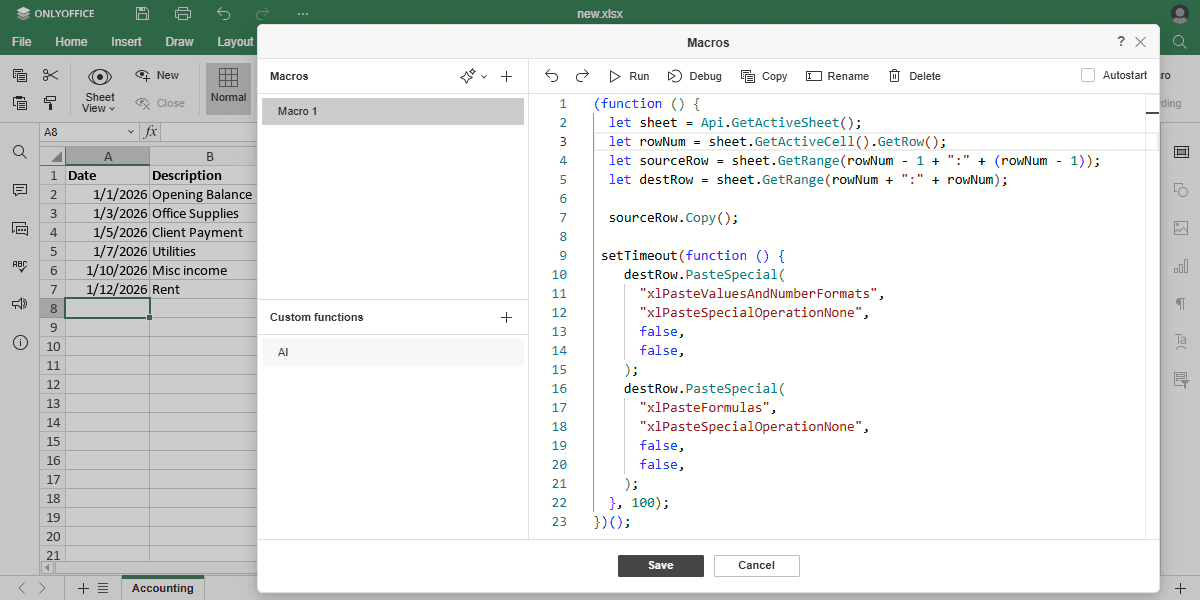
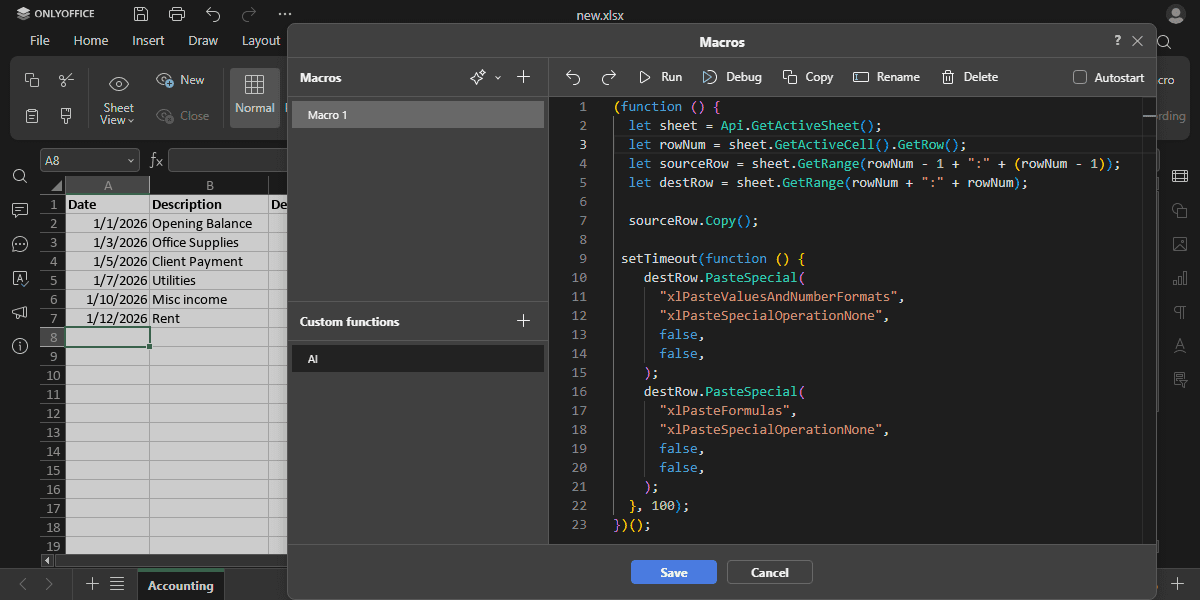
Copies formulas and number formats from the row above into the currently active row. Select the desired row and run the macro.
(function () {
  let sheet = Api.GetActiveSheet();
  let rowNum = sheet.GetActiveCell().GetRow();
  let sourceRow = sheet.GetRange(rowNum + ":" + rowNum);
  let destRow = sheet.GetRange((rowNum + 1) + ":" + (rowNum + 1));

  sourceRow.Copy();

  // Paste values and number formats from the source row
  destRow.PasteSpecial(
    "xlPasteValuesAndNumberFormats",
    "xlPasteSpecialOperationNone",
    false,
    false,
  );
  // Paste formulas from the source row
  destRow.PasteSpecial(
    "xlPasteFormulas",
    "xlPasteSpecialOperationNone",
    false,
    false,
  );
})();
Methods used: GetActiveSheet, GetActiveCell, GetRow, GetRange, Copy, PasteSpecial
Result