IMediaViewer
Properties for the Media Viewer component that allows plugins to display custom content.
To open the viewer, return an IMessage with
Actions.showMediaViewer in actions
and pass the configuration in mediaViewerProps.
Use Actions.updateMediaViewer and
Actions.closeMediaViewer to update or close it.
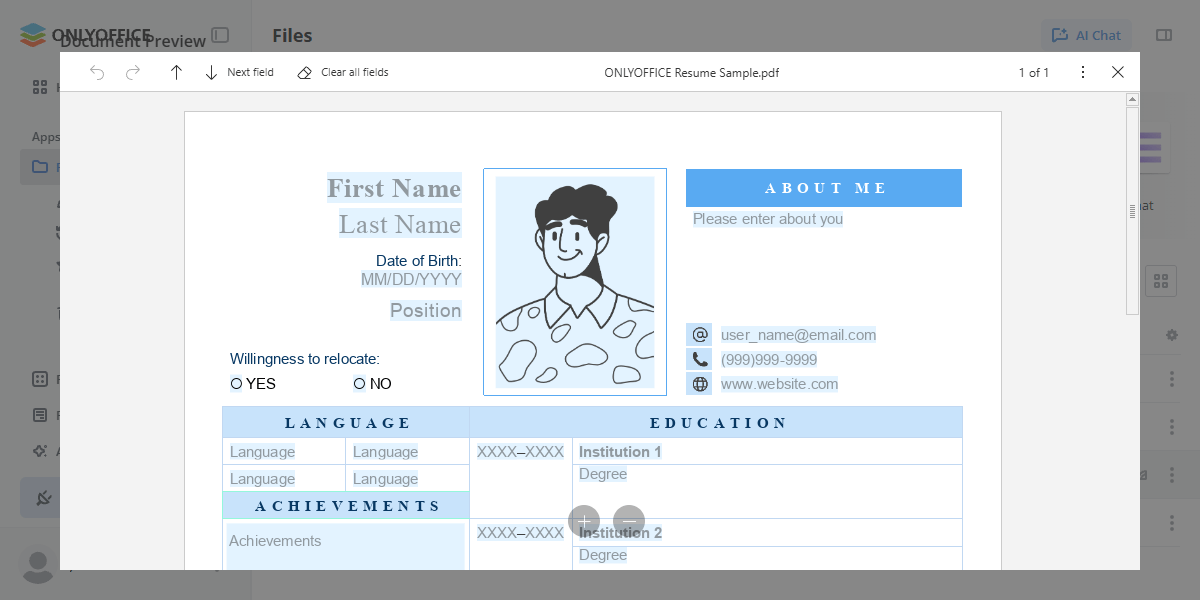
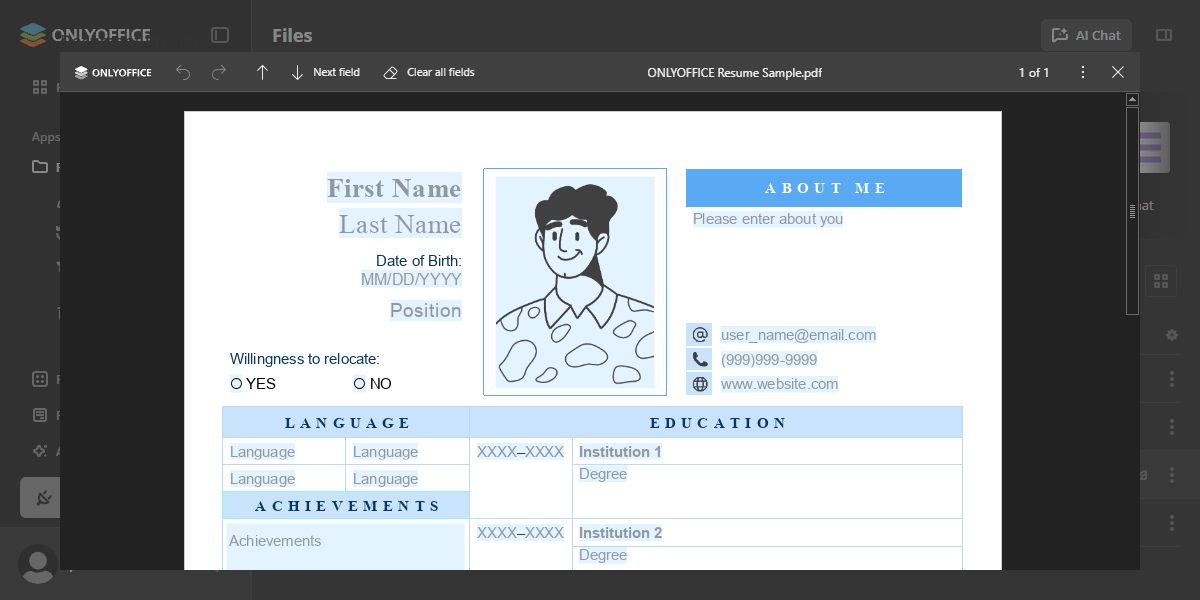
Examples
Custom video player in the media viewer
import { useCurrentFile, usePluginActions } from "@onlyoffice/docspace-plugin-sdk/react";
import { Actions, IMediaViewer } from "@onlyoffice/docspace-plugin-sdk";

function VideoPlayer() {
  const file = useCurrentFile();
  const { closeMediaViewer } = usePluginActions();

  if (!file) return null;

  return (
    <div style={{ width: "100%", height: "100%" }}>
      <iframe
        src={`https://player.example.com/video/${file.id}`}
        width="100%"
        height="100%"
        sandbox="allow-scripts allow-same-origin"
        style={{ border: "none" }}
      />
      <button type="button" onClick={closeMediaViewer}>Close</button>
    </div>
  );
}

const mediaViewerProps: IMediaViewer = {
  fileId: file.id,
  title: "Custom Video Player",
  component: VideoPlayer,
  onClose: () => ({ actions: [Actions.closeMediaViewer] })
};
Image viewer that follows the playlist
The component reads the current file itself, so navigating the playlist needs no
onFileChange round-trip — useCurrentFile re-renders it with the new file.
import { useEffect, useState } from "react";
import { useCurrentFile, usePluginAPI } from "@onlyoffice/docspace-plugin-sdk/react";
import {
  IMediaViewer,
  FilesExst,
  FilesSecurity,
  UserRole,
  Devices,
} from "@onlyoffice/docspace-plugin-sdk";

type TImage = { title: string; viewUrl?: string };

function ImagePreview() {
  const file = useCurrentFile();
  const api = usePluginAPI();
  const [image, setImage] = useState<TImage | null>(null);

  // The portal, not the plugin, knows where a file is served from: `viewUrl`
  // comes with the file itself. Building the URL by hand would hard-code the
  // API prefix, which the portal is free to change.
  useEffect(() => {
    if (!file) return;

    const controller = new AbortController();

    api
      .get<TImage>(`/files/file/${file.id}`, undefined, {
        signal: controller.signal,
      })
      .then(setImage)
      .catch(() => setImage(null));

    return () => controller.abort();
  }, [api, file?.id]);

  if (!image?.viewUrl) return <p>Loading…</p>;

  return (
    <div style={{ width: "100%", height: "100%" }}>
      <img src={image.viewUrl} alt={image.title} />
    </div>
  );
}

const mediaViewerProps: IMediaViewer = {
  fileId: file.id,
  title: "Image preview",
  component: ImagePreview,
  playlistFilter: {
    filesExsts: [".jpg", ".png", FilesExst.svg],
    filesSecurity: [FilesSecurity.Read],
    usersTypes: [UserRole.guest, UserRole.user],
    devices: [Devices.desktop, Devices.tablet]
  }
};
Properties
| Property | Type | Description |
|---|---|---|
fileId | string | number | The ID of the file to display: a file of the open folder that matches playlistFilter, otherwise nothing opens. Required to open the viewer; omit it in an update to keep the current file. |
content | IBox | The custom content rendered inside the media viewer via the IBox component tree. Use either content or component, not both. Deprecated: Use component instead — accepts a React component and supports hooks from @onlyoffice/docspace-plugin-sdk/react. |
component | ComponentType | A React component rendered as the media viewer content. Use either component or content, not both. The component can use useCurrentFile, usePluginActions and other hooks from @onlyoffice/docspace-plugin-sdk/react, and owns its own loading state — fetch in a useEffect and render a placeholder until the data arrives. |
title | string | Optional title to display in the media viewer header. If not provided, the default file name will be used. |
onClose | () => TReturnMessage | Callback function that is called when the user closes the media viewer. Return Actions.closeMediaViewer to close it, otherwise it stays open. Without onClose it closes by itself. |
playlistFilter | IMediaViewerPlaylistFilter | Filter that determines which files are included in the media viewer playlist used for navigation. If not specified, the playlist is not filtered. |
navigation | IMediaViewerNavigation | Navigation callbacks invoked when the user moves between files in the media viewer playlist. If not specified, no navigation callbacks are triggered. |
onLoad | (data: { fileId: string | number; }) => TReturnMessage | A function that is executed when the plugin viewer is mounted. It is called once when the viewer is first displayed. Deprecated: Use a React component via component with useEffect for data loading instead. |
IMediaViewerPlaylistFilter
Filter configuration for media viewer playlist. Defines which files should be included in the playlist.
Properties
| Property | Type | Description |
|---|---|---|
filesExsts | string[] | Allowed file extensions (e.g., [FilesExst.doc, ".drawio", ".md"]). If not specified, all extensions are allowed. |
filesSecurity | FilesSecurity[] | Required security permissions for files. If not specified, all security permissions are allowed. |
usersTypes | (UserRole | UsersType)[] | The types of users who will see the media viewer. Currently the following user types are available: owner, fullAdmin, roomAdmin, user, guest. If this parameter is not specified, then the media viewer will be displayed for all user types. |
devices | Devices[] | The types of devices where the media viewer will be displayed. At the moment the following device types are available: mobile, tablet, desktop. If this parameter is not specified, then the media viewer will be displayed in any device types. |
IMediaViewerNavigation
Navigation callbacks for media viewer. Called when user navigates through the playlist.
Properties
| Property | Type | Description |
|---|---|---|
onNext | () => TReturnMessage | Called when navigating to next file. |
onPrevious | () => TReturnMessage | Called when navigating to previous file. |
onFileChange | (data: { fileId: string | number; }) => TReturnMessage | Called when file changes. |