URL
Save external URLs in a file list. When a saved link is opened, the corresponding resource launches in a new browser tab.
Installation
Available by default in the ONLYOFFICE Apps SaaS solution.
You can enable it following the instructions here.
Configuration
To start working with the plugin, you don't need to change the default settings.
In case you want to view the plugin metadata, such as the author, version, status, homepage, and description, go to Settings → Integration → Plugins and click 
 next to the url plugin.
Usage
Creating a new URL
To add a link to the file list:
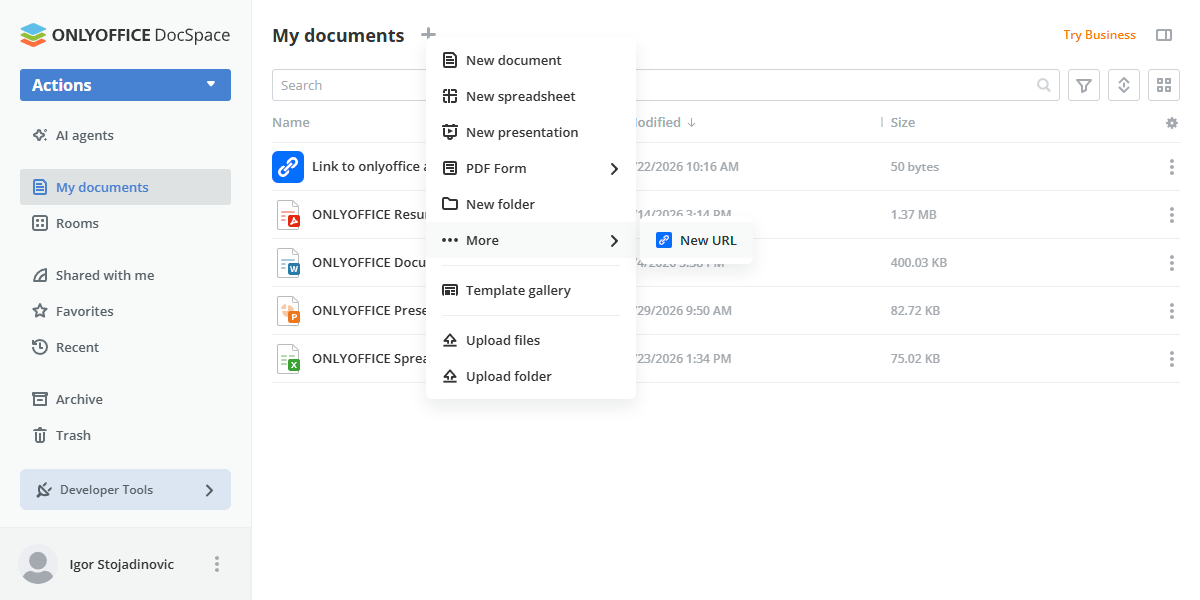
- Open the Documents section or one of the available rooms.
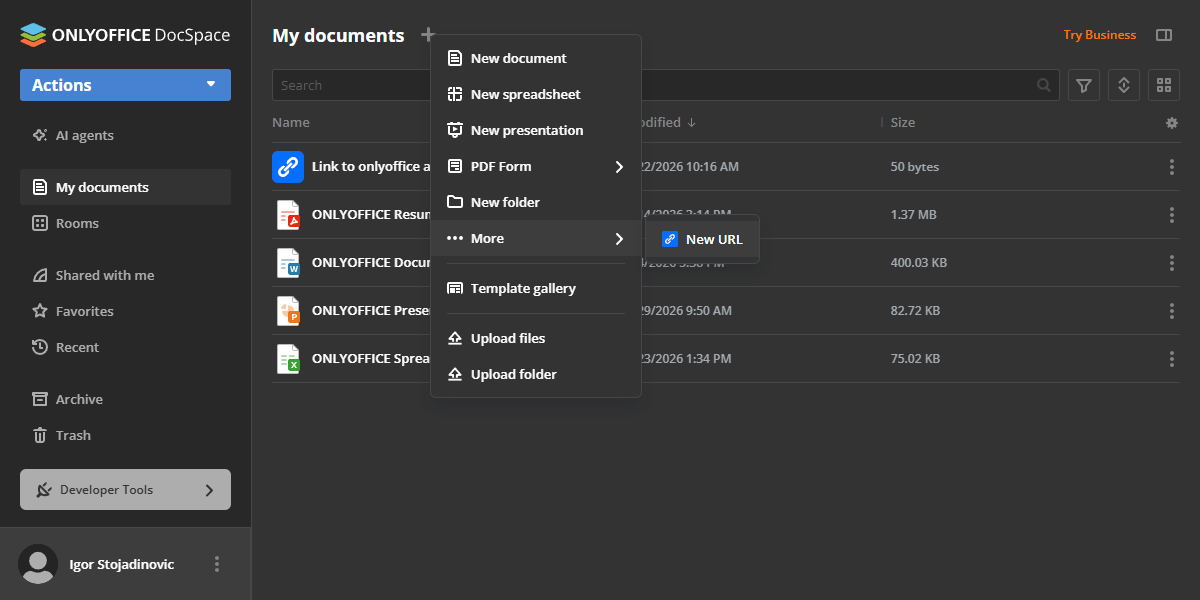
- Click Actions → More.
- Select New URL.
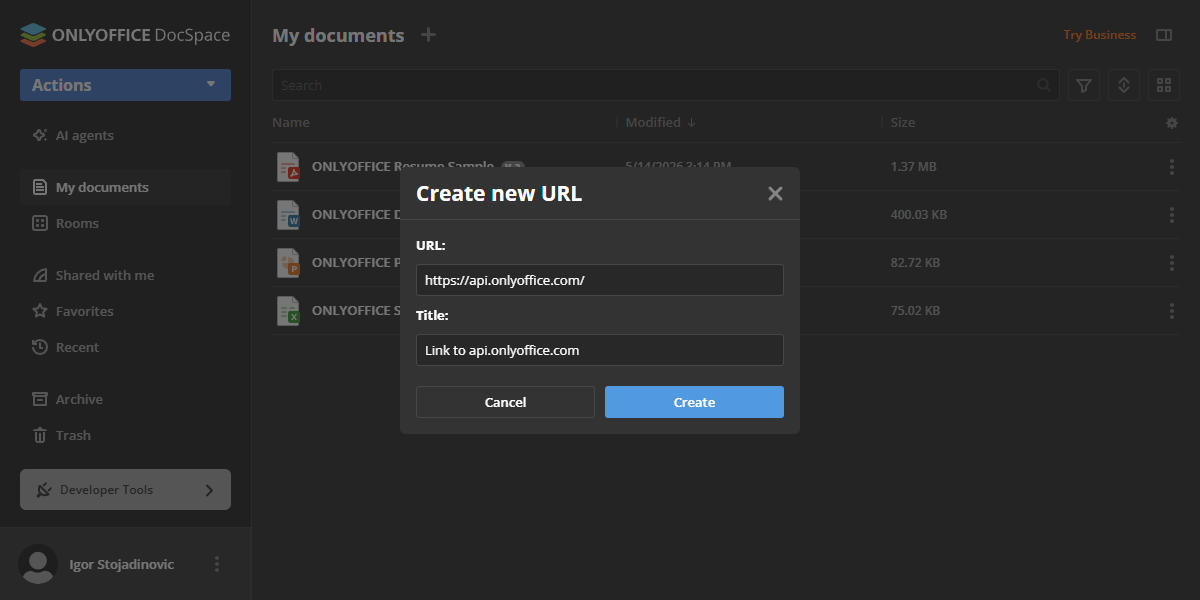
- In the dialog box, specify the URL and Title, then click Create (or Cancel to discard).
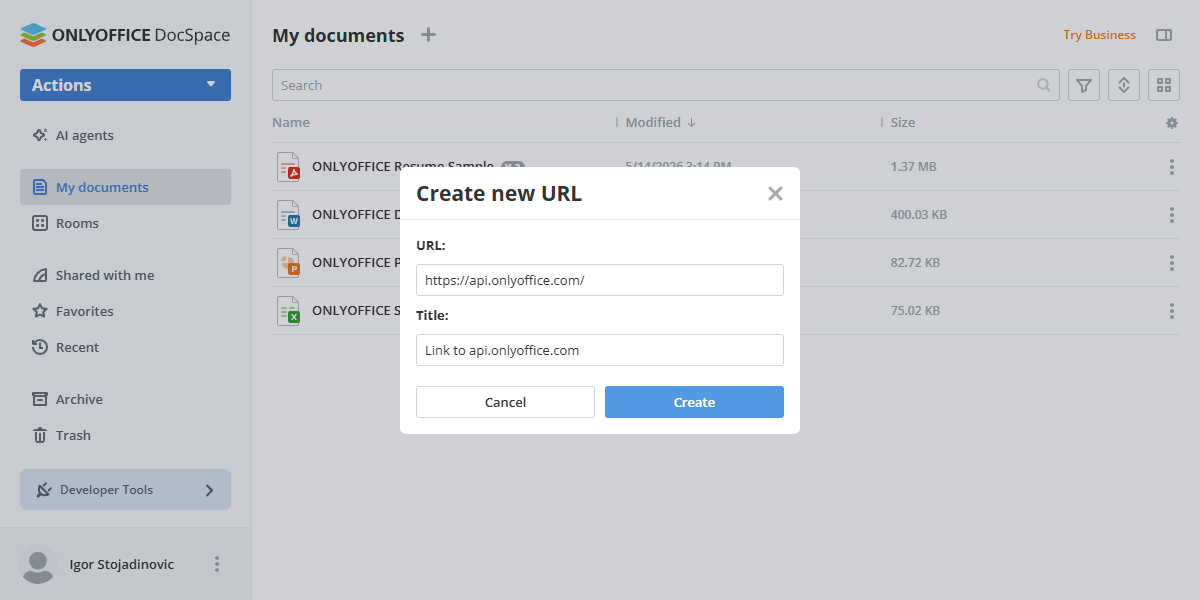
The link appears in the file list as a .url file. When you click the item, the external resource opens in a separate browser tab.
Editing an existing URL
To change a saved link:
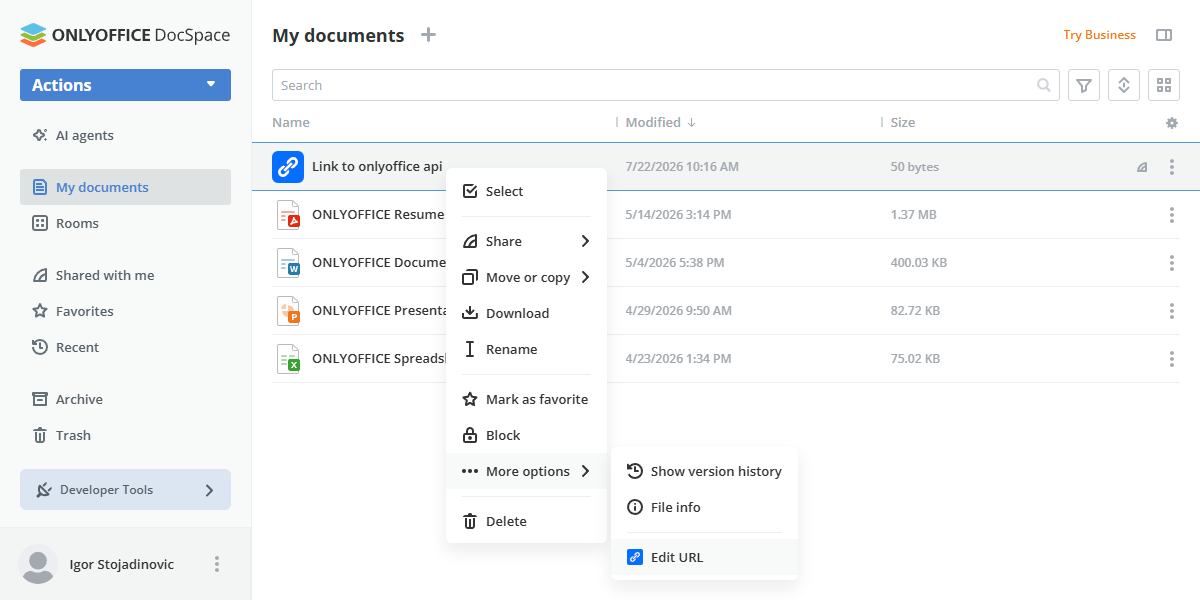
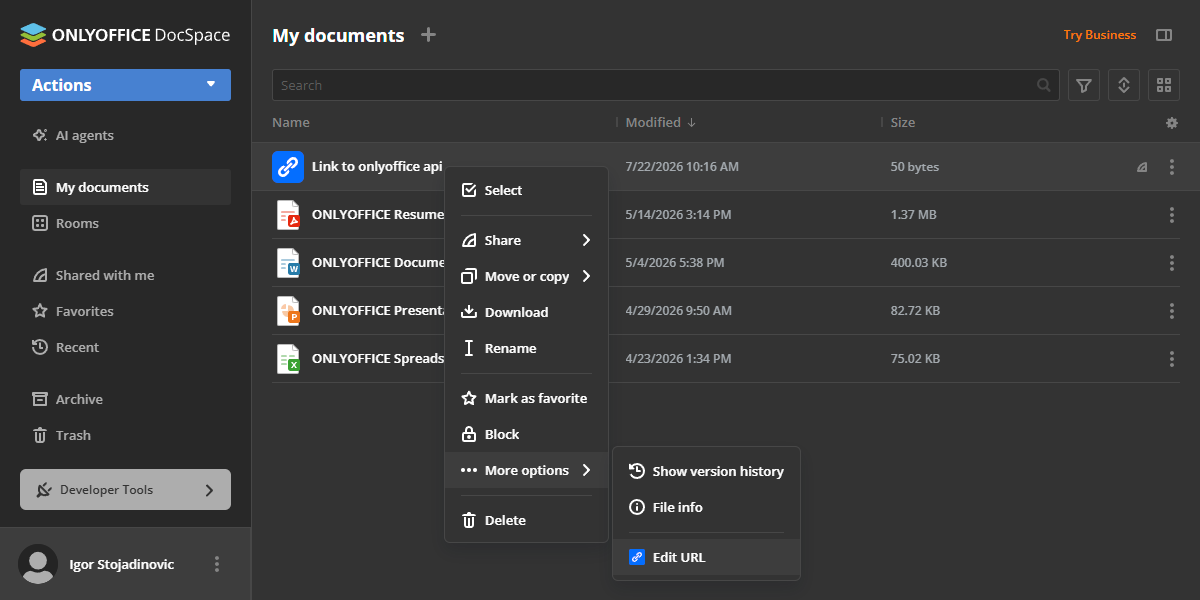
- Right-click the
.urlitem in the file list to open the context menu. - Select Edit URL.
- Update the URL and/or Title fields in the dialog box, then click Save (or Cancel to discard).
Plugin structure
Repository on GitHub: url.
All the required files are described here.
Interfaces
The following plugin interfaces are used:
- IPlugin. Required for each plugin. It contains the plugin status (PluginStatus) variable, used to embed the plugin into ONLYOFFICE Apps.
- IApiPlugin. Required for API interactions with ONLYOFFICE Apps (creating, updating, and reading
.urlfiles). - ISettingsPlugin and ISettings. Used to add a settings block for plugin configuration. Users can access this block from Settings → Integration → Plugins to view plugin metadata.
- IMainButtonPlugin and IMainButtonItem. Used to add the New URL option to the Actions → More menu.
- IContextMenuPlugin and IContextMenuItem. Used to implement the Edit URL context menu action for
.urlfiles. - IFilePlugin and IFileItem. Used to register the
.urlfile type and open the stored link in a new browser tab when the file is selected.
Support
If you want to request a feature or report a bug regarding this plugin, use the issues section on GitHub.