Book reader
A tool for viewing EPUB, FB2, and ZIP files in a dedicated reading viewer directly in ONLYOFFICE Apps.
Installation
Available by default in the ONLYOFFICE Apps SaaS solution.
You can enable it following the instructions here.
Configuration
To start working with the plugin, you don't need to change the default settings.
In case you want to view the plugin metadata, such as the author, version, status, homepage, and description, go to Settings → Integration → Plugins and click 
 next to the book-reader plugin.
Usage
The plugin supports the following file formats:
- .epub - Electronic Publication (EPUB 2.0/3.0)
- .fb2 - FictionBook 2.0
- .zip - Archives containing EPUB or FB2 files
To open a file in the reader:
-
Open the Documents section or one of the available rooms.
-
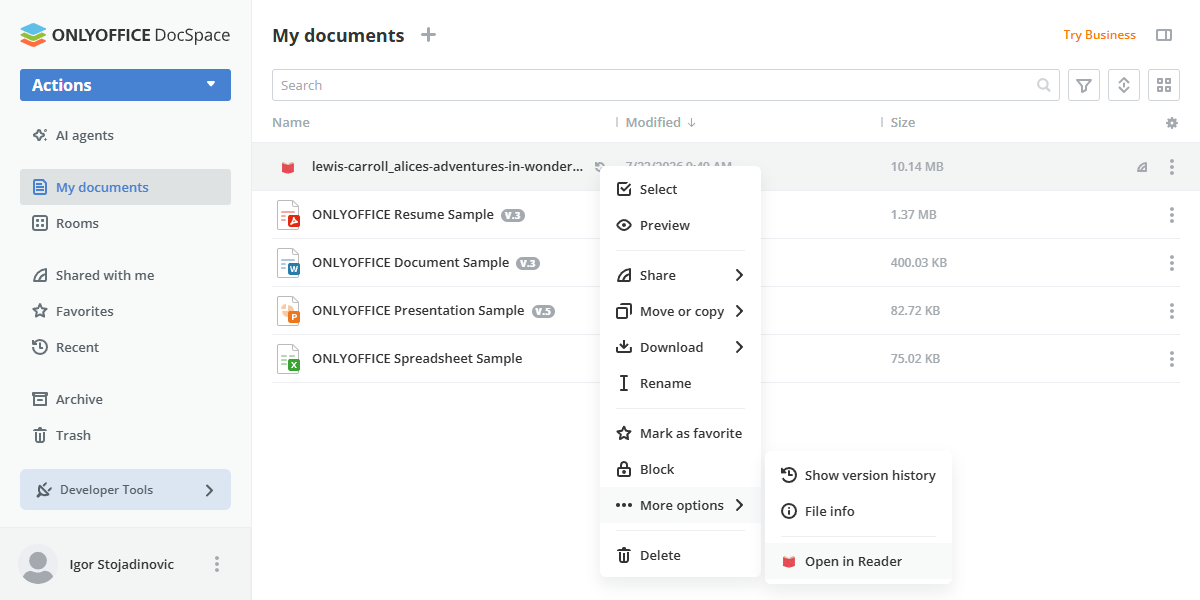
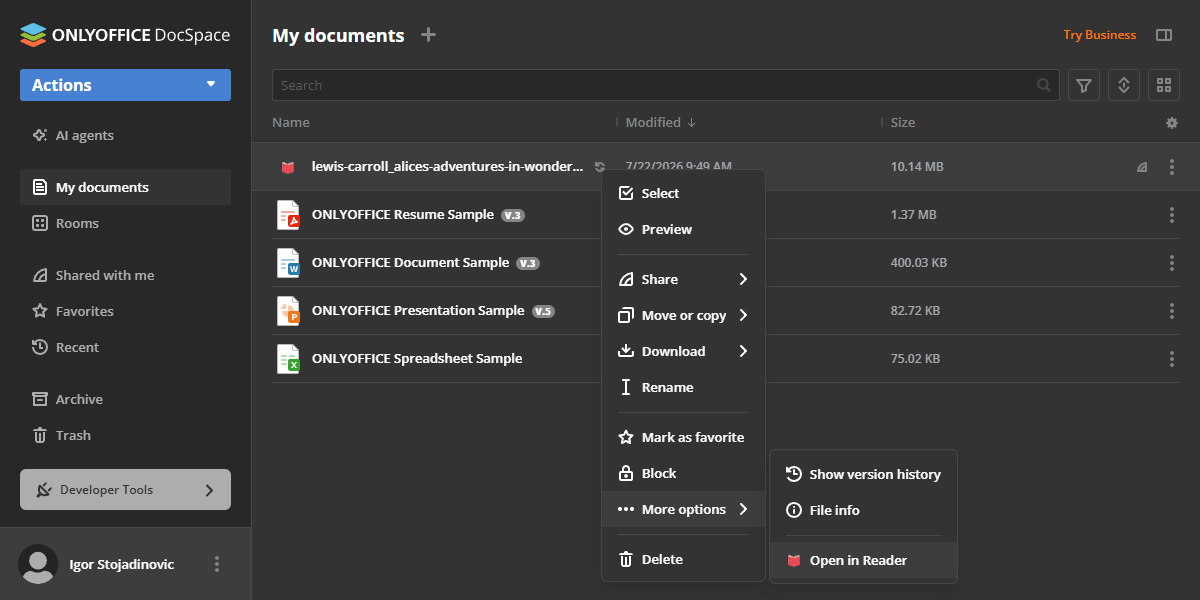
Click on a supported file, or right-click it, navigate to the More options dropdown menu, and select Open in Reader.
-
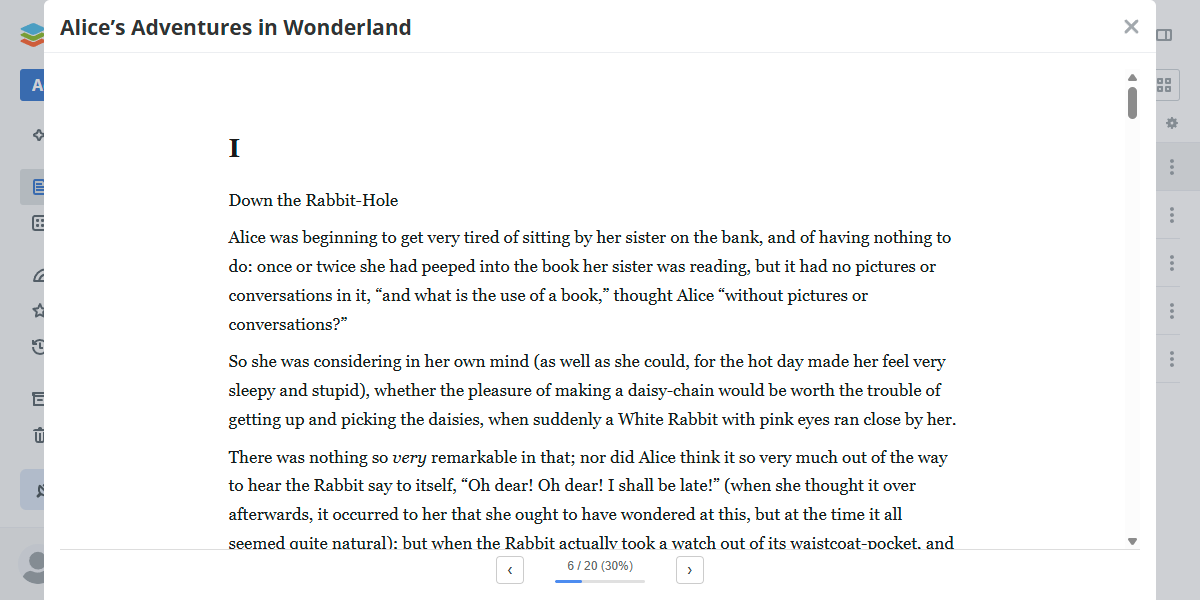
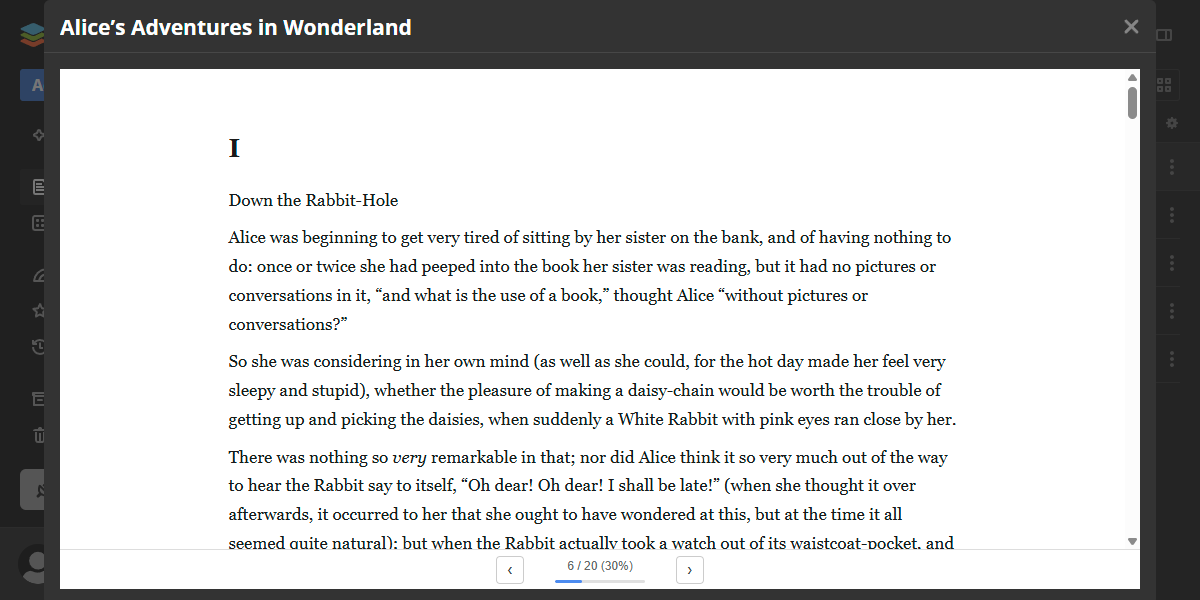
The file opens in a modal window.
Use the ‹ and › buttons at the bottom to navigate between pages. A progress bar and page counter show your current position in the book.
ZIP files
ZIP files cannot be opened with a single click — since ONLYOFFICE Apps has a dedicated archiver plugin that handles the .zip file type, the book reader opens ZIP files through the context menu only (right-click → Open in Reader).
When a ZIP file is opened, the plugin inspects its contents:
- One supported file found (a single
.epub,.fb2, or a raw EPUB structure withMETA-INF/container.xml) - the file is extracted and opened in the reader automatically. - Multiple supported files found - the plugin checks for a raw EPUB structure (
META-INF/container.xml) first, then any.epubfile, then any.fb2file, and opens the first match — EPUB content always takes priority over FB2, regardless of file order. - No supported files found - an error notification is shown and the reader does not open.
Plugin structure
Repository on GitHub: reader.
All the required files are described here.
Interfaces
The following plugin interfaces are used:
- IPlugin. Required for each plugin. It contains the plugin status (PluginStatus) variable, used to embed the plugin into ONLYOFFICE Apps.
- IContextMenuPlugin and IContextMenuItem. Used to implement a context menu action. The plugin adds an Open in Reader item to the context menu of supported files (
.epub,.fb2,.zip). - IFilePlugin and IFileItem. Used to interact with the specified file types. Enables single-click file opening directly from the file list.
Support
If you want to request a feature or report a bug regarding this plugin, use the issues section on GitHub.