Editing OAuth app
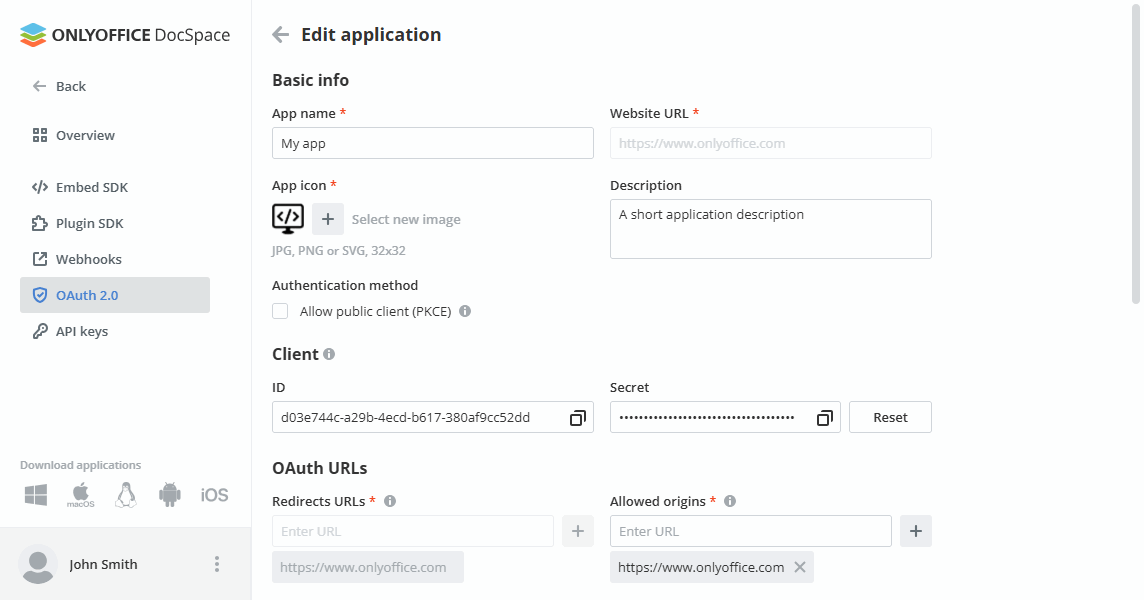
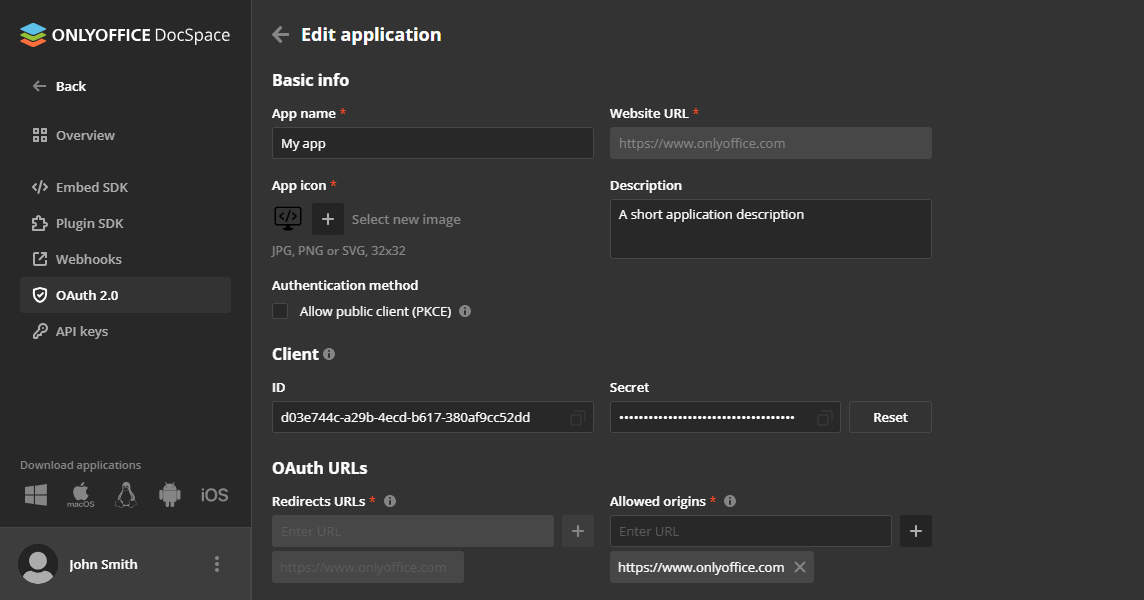
For security purposes, DocSpace allows you to edit only the App name, App icon, Description, and Authentication method settings. Future versions of DocSpace might expand this list to include other settings.
To edit the application settings:
-
Left-click the application in the list.
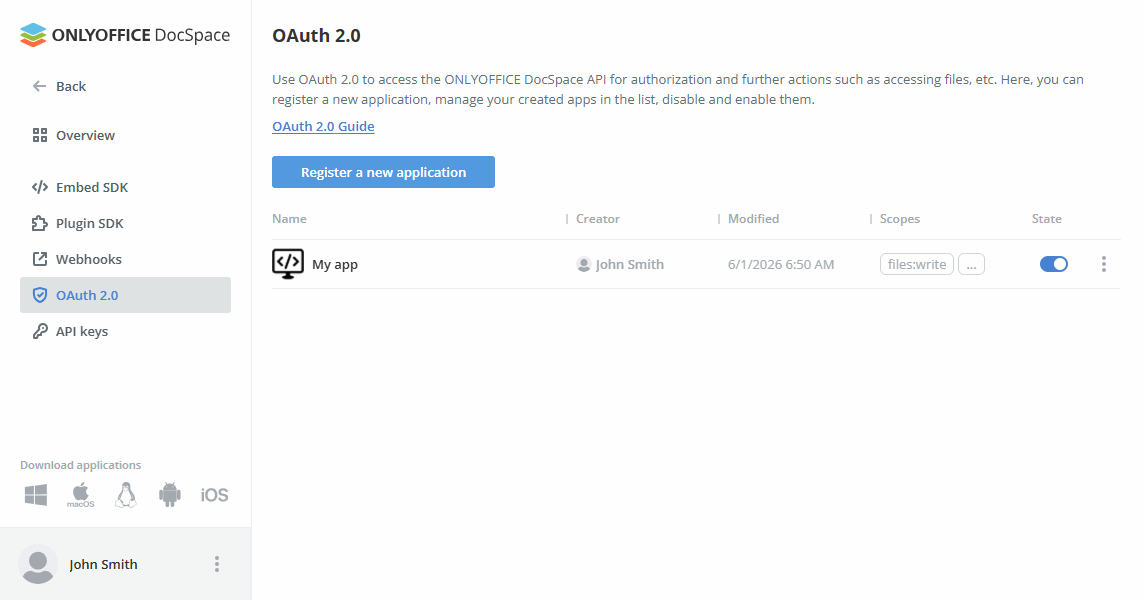
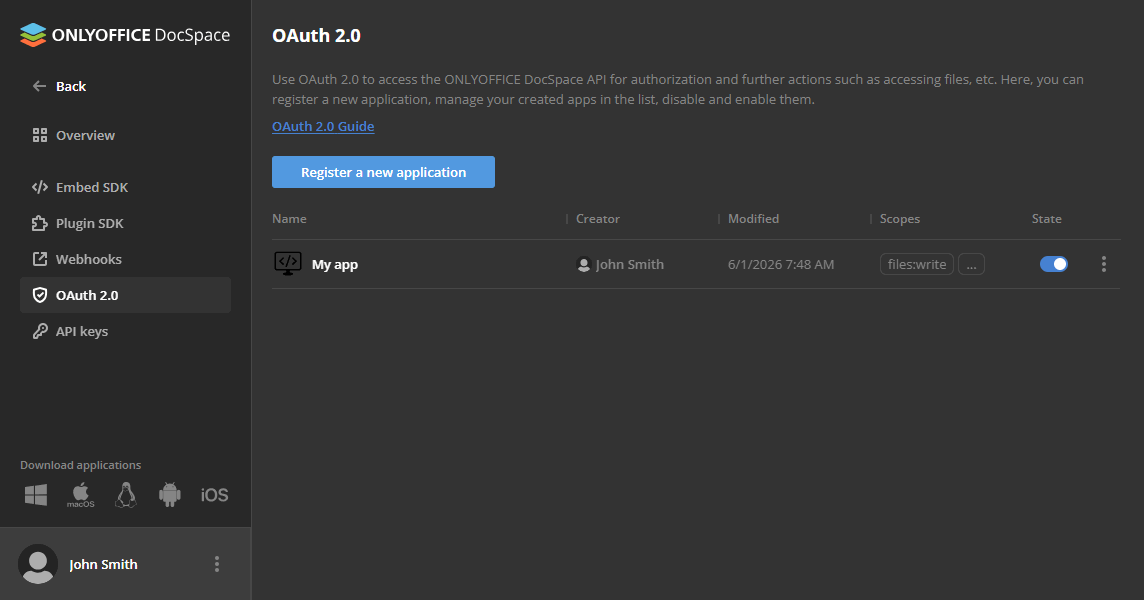
or
-
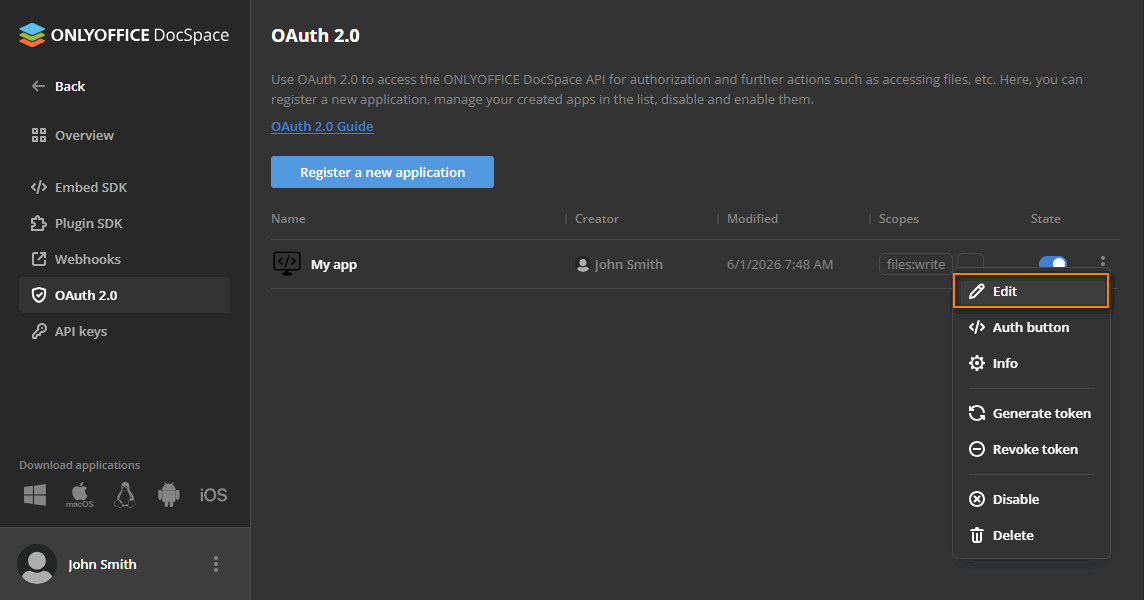
Click

 to open the context menu and choose Edit.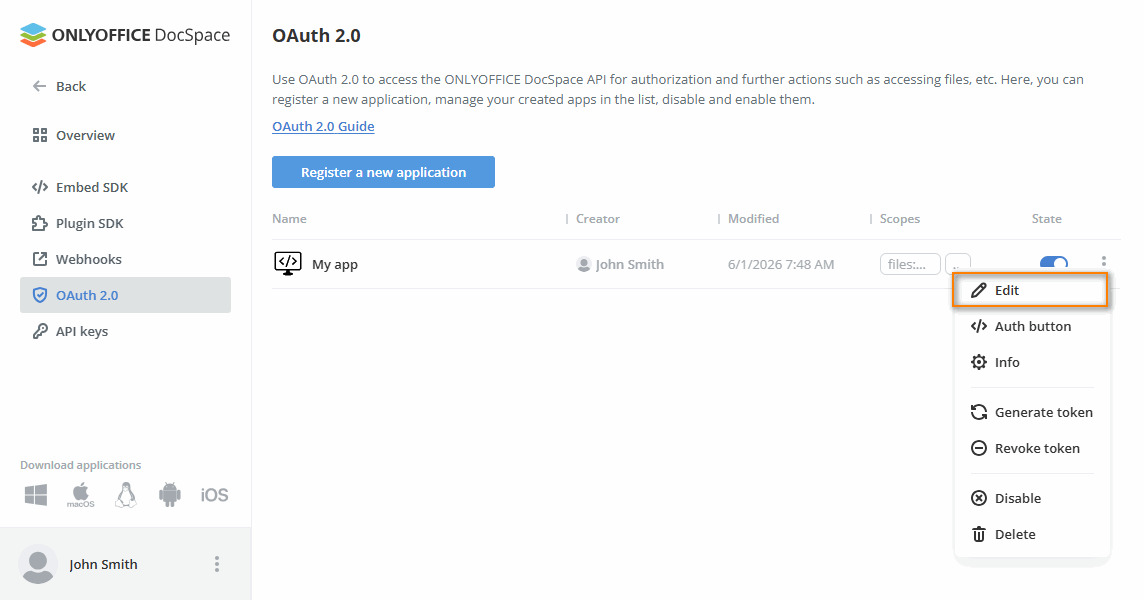
Edit the desired app parameter (App name, App icon, Description, or Authentication method) and click Save.
Disabling the app
Disabling the app stops all active sessions.
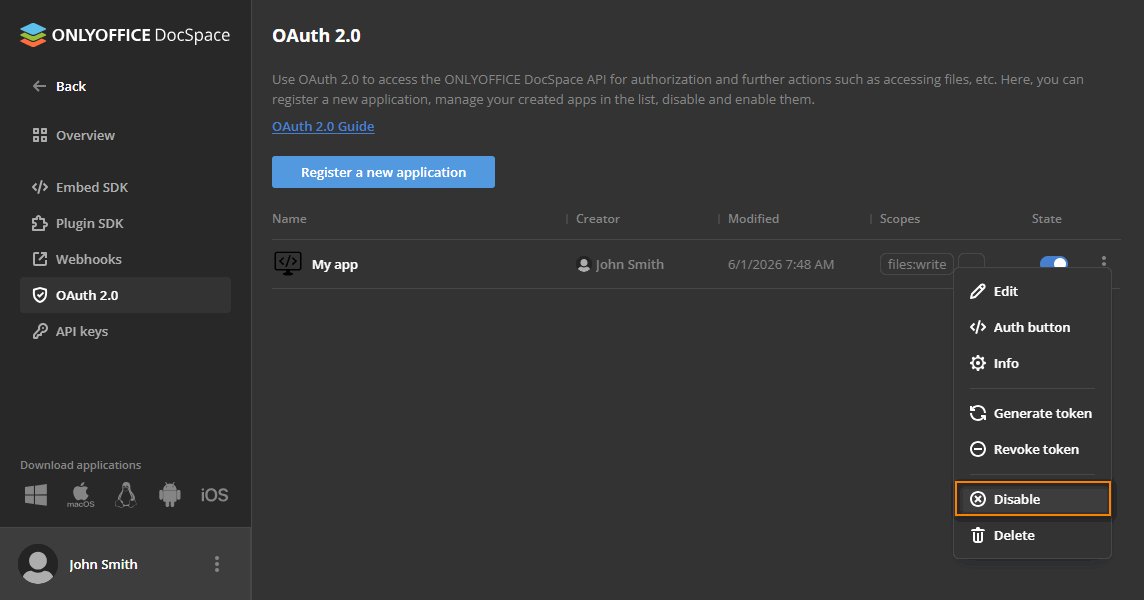
To disable the application:
-
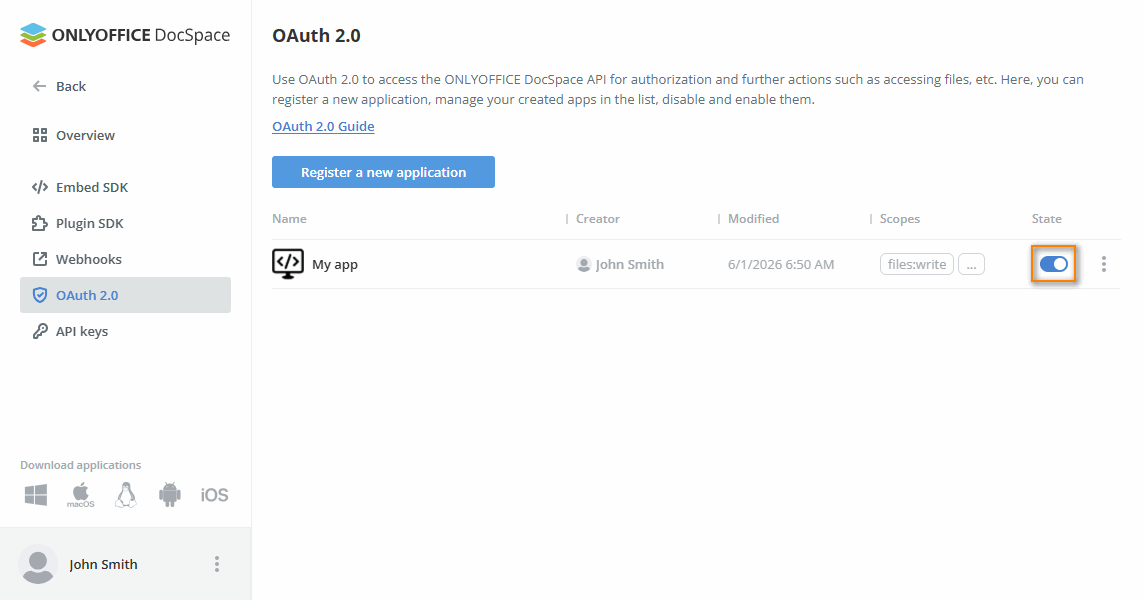
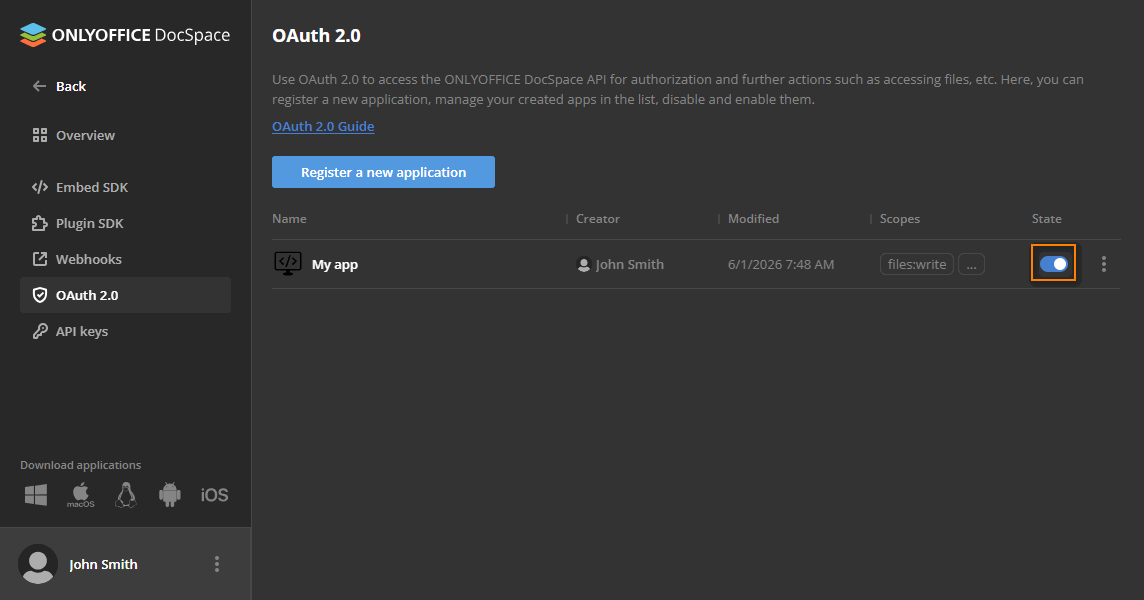
Click the toggle button next to the application in the list.
or
-
Click
to open the context menu and choose Disable.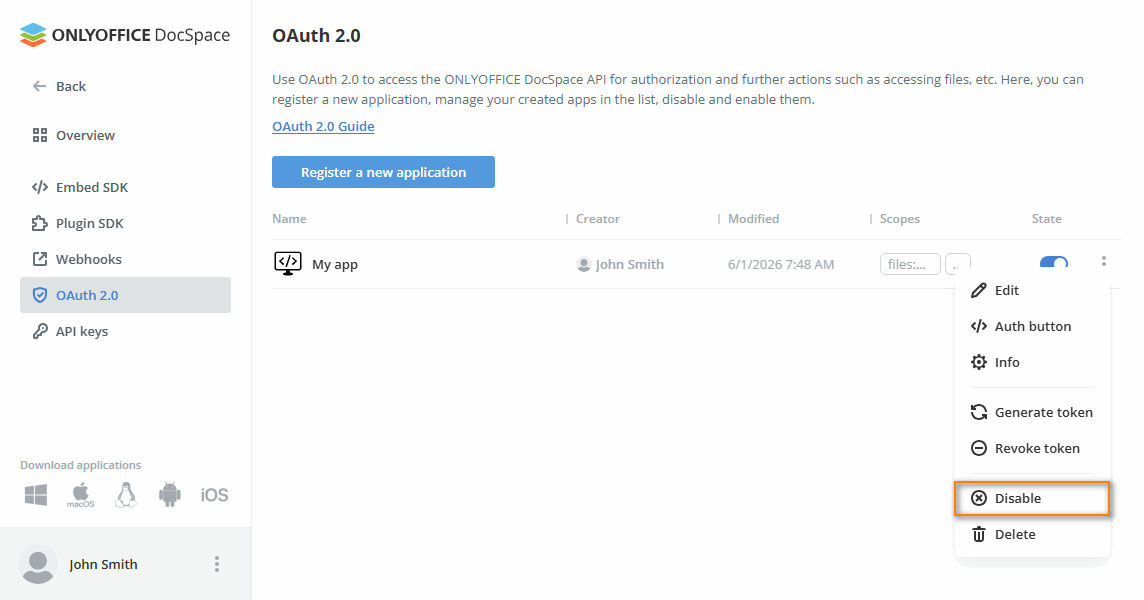
Deleting the app
To delete the application, click to open the context menu and choose Delete.
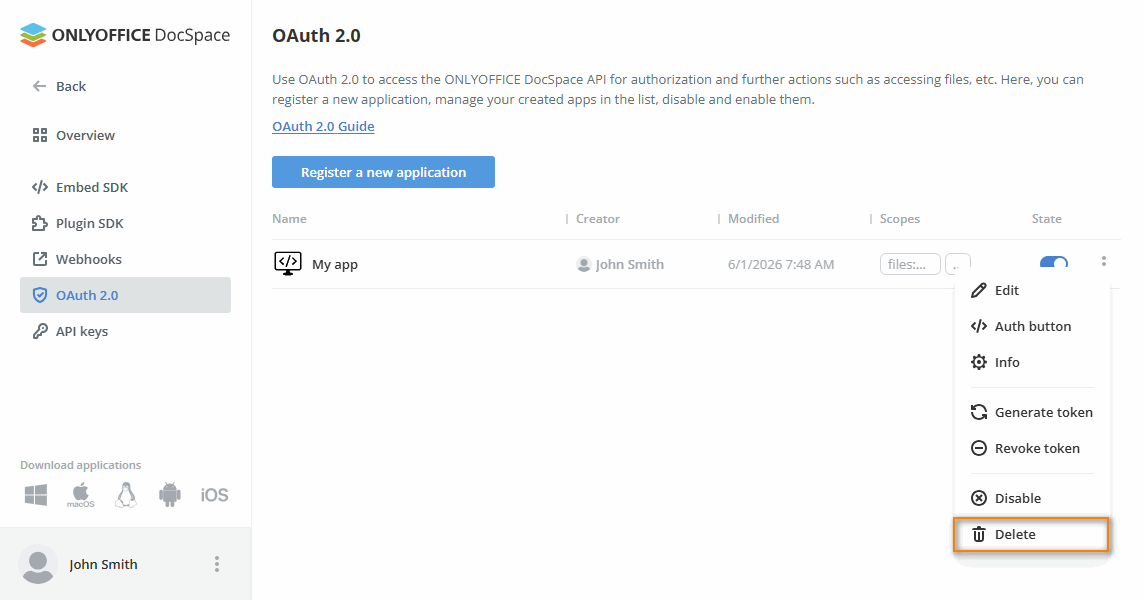
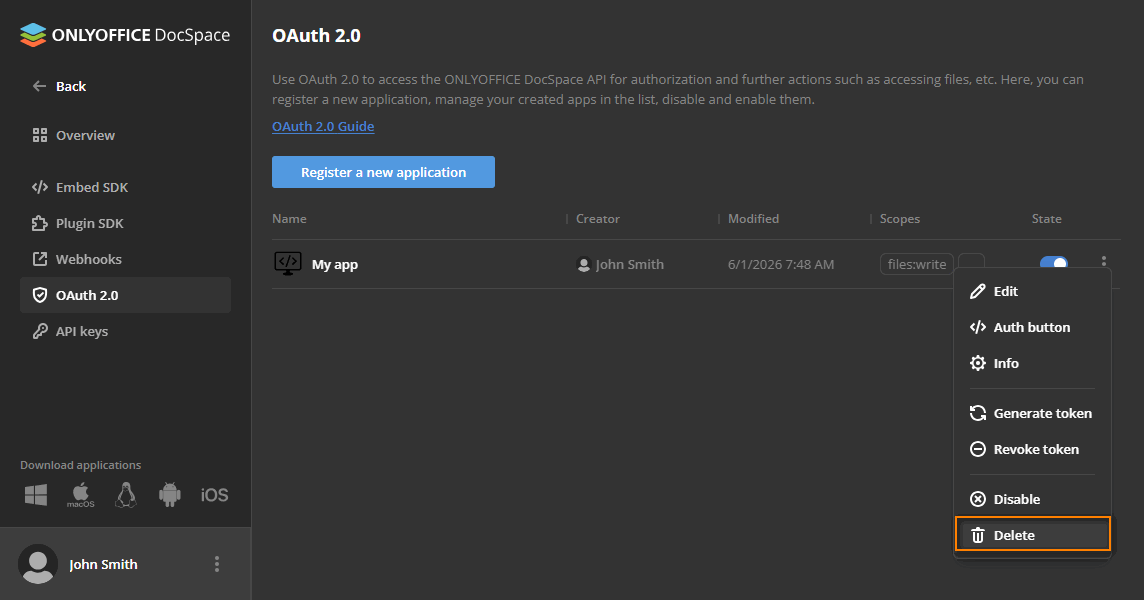
This action stops and deletes all active sessions.